# How to choose the right Ubuntu LTS version
- **Published on:** 2026-06-20
- **Category:** News
- **Original page:** https://linuxgratis.com/en/articles/ubuntu-lts-guide
Ubuntu LTS versions get 5 years of support. We explain what LTS means, how often they ship and which one fits your case.
---
If you're putting Ubuntu on a server or on a machine you want to leave running quietly for years, one word matters more than any other: **LTS** (*Long Term Support*). Get that choice right and you save yourself reinstalls, security scares and a few sleepless nights. This guide walks through how Ubuntu's release calendar works, what each kind of release actually gives you, and how to decide based on your real use case.
## How the release calendar works
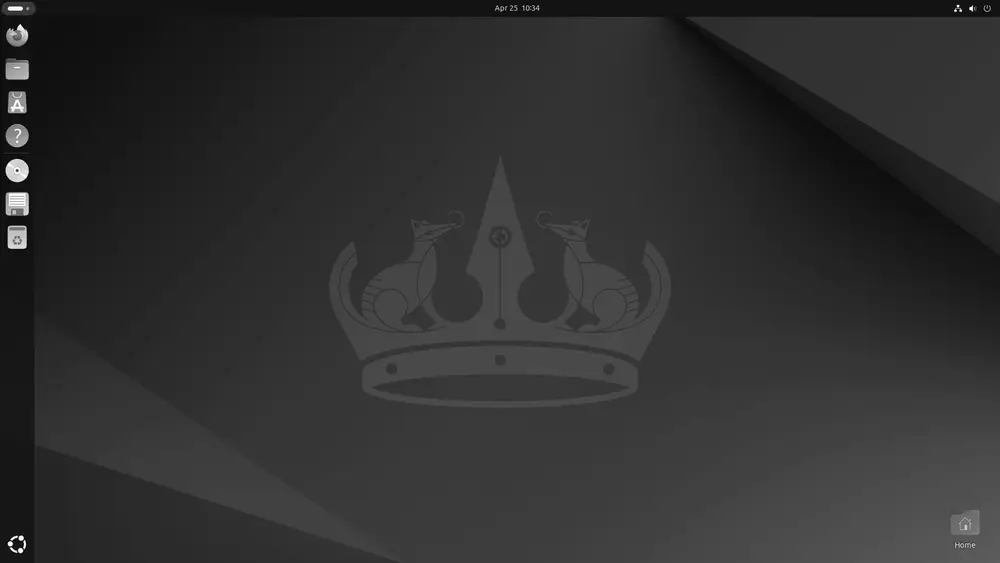
The GNOME desktop of Ubuntu 24.04 LTS "Noble Numbat", supported until 2029. · Imagen: Canonical Ltd. / GPL · Wikimedia Commons
Ubuntu, Canonical's distribution built on top of [Debian](/en/debian), ships a new release **every six months**, in April and October. The version number isn't random. It encodes the year and month of release, so **24.04** means April 2024 and **25.10** means October 2025. It's one of the handiest conventions in the Linux world, since a single glance at the number tells you when that release was born.
Within that cadence, two kinds of release coexist:
- **Interim releases** (October ones and odd-year April ones): built for people who want the newest software. They get **9 months of support**, so they push you to upgrade often.
- **LTS releases**: they ship **every two years, in April of even years** (20.04, 22.04, 24.04, 26.04...). They're the backbone of Ubuntu for serious use.
## What an LTS actually gives you
An LTS release gets **5 years of free standard support** with security patches and maintenance. For example, **Ubuntu 24.04 LTS "Noble Numbat"** is maintained until 31 May 2029, and the recent **26.04 LTS "Resolute Raccoon"**, released on 23 April 2026, runs through April 2031.
There's more, though. With **Ubuntu Pro**, that support stretches to **10 years** via ESM (*Expanded Security Maintenance*), which delivers security patches for the main repository and for the community Universe archive too. And here's the best part: **Ubuntu Pro is free for personal use on up to 5 machines** (50 if you're an official Ubuntu Community member). For a home user or a freelancer, that's a full decade of security without paying a cent.
## Which one should I pick?
- **Servers and production**: always LTS, no exceptions. When something has to stay up all year, stability beats novelty. The same holds for Ubuntu and for any serious enterprise distribution like [RHEL](/en/rhel), [AlmaLinux](/en/almalinux) or [Rocky Linux](/en/rocky-linux).
- **A desktop you want to keep for years**: LTS. Install it, set it up, forget about it.
- **You want the latest and don't mind upgrading every few months**: interim release. You'll get newer kernels and desktop environments in exchange for upgrading more often.
## Don't forget the official flavors
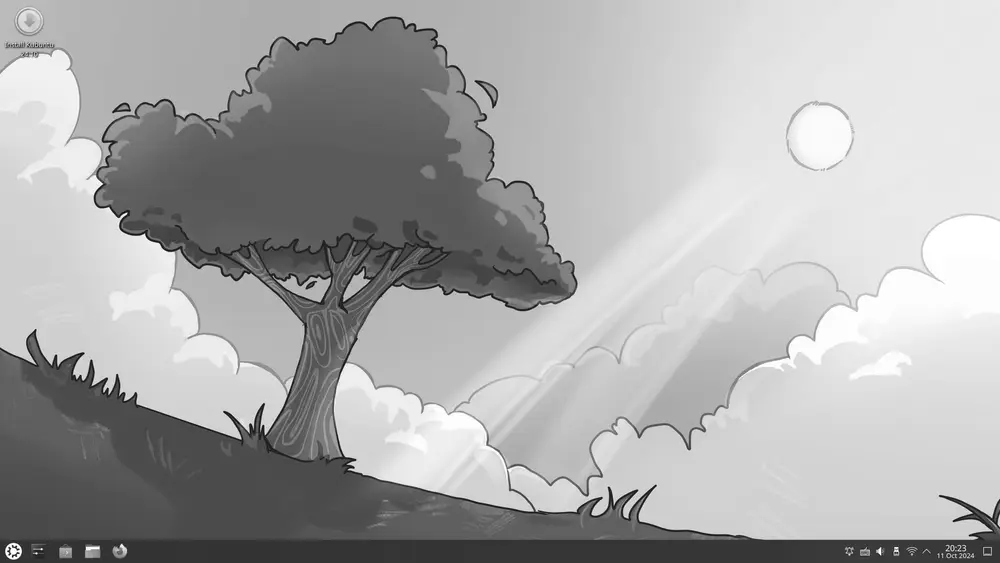
Kubuntu is an official Ubuntu flavor that swaps GNOME for the KDE Plasma desktop. · Imagen: The Kubuntu Community / GPL · Wikimedia Commons
Ubuntu isn't a single face. There are **official flavors** that share its base and calendar but swap the desktop to match your taste and hardware:
- **[Kubuntu](/en/ubuntu)** uses the KDE Plasma desktop.
- **[Xubuntu](/en/xubuntu)** goes with XFCE, light and fast.
- **[Lubuntu](/en/lubuntu)** ships LXQt, ideal for older machines.
- **Ubuntu MATE** brings back the classic GNOME 2 desktop feel.
Each one has its own LTS versions, so you can run a lightweight desktop and still get five or ten years of support. If you want something even more minimal for containers or embedded systems, [Alpine Linux](/en/alpine-linux) is worth a look; and if you prefer a polished Ubuntu-based desktop experience, check out [Pop!_OS](/en/pop-os) or [elementary OS](/en/elementary).
You'll find the full version history and end-of-support dates on the [Ubuntu page](/en/ubuntu), where we keep the data current from official sources.
## Final tip
Don't chase the newest version out of habit. In the server world, "boring and stable" is almost always what you want: fewer surprises, more years of calm and a clear upgrade path. Pick LTS, enable Ubuntu Pro if it suits you, and spend your energy on your project instead of chasing version numbers.