Boot a Chromebook for the first time and Linux is the last thing on your mind. You think about the Chrome browser, your Google account, and how fast the thing starts up. Yet beneath that minimalist interface sits an operating system built on the Linux kernel and, for years, on the guts of Gentoo. ChromeOS is probably the version of Linux that more people run worldwide without ever realizing they are running Linux at all.
A system born in the cloud
Google announced the project in July 2009 with an idea that felt radical at the time: a computer where applications and data live in the cloud and the browser does the job of the operating system. In 2010 it shipped the Cr-48, an unbranded test laptop, and on May 11, 2011, it unveiled the first commercial Chromebooks at Google I/O, built by Acer and Samsung. The Samsung model reached stores on June 15, 2011, with the Acer model following in July.
The bet looked risky. Who would want a laptop that essentially just opened a browser tab? Time proved Google right. Chromebooks took over classrooms across the world and became a genuine, affordable alternative to Windows and macOS.
Linux inside, Gentoo at the root
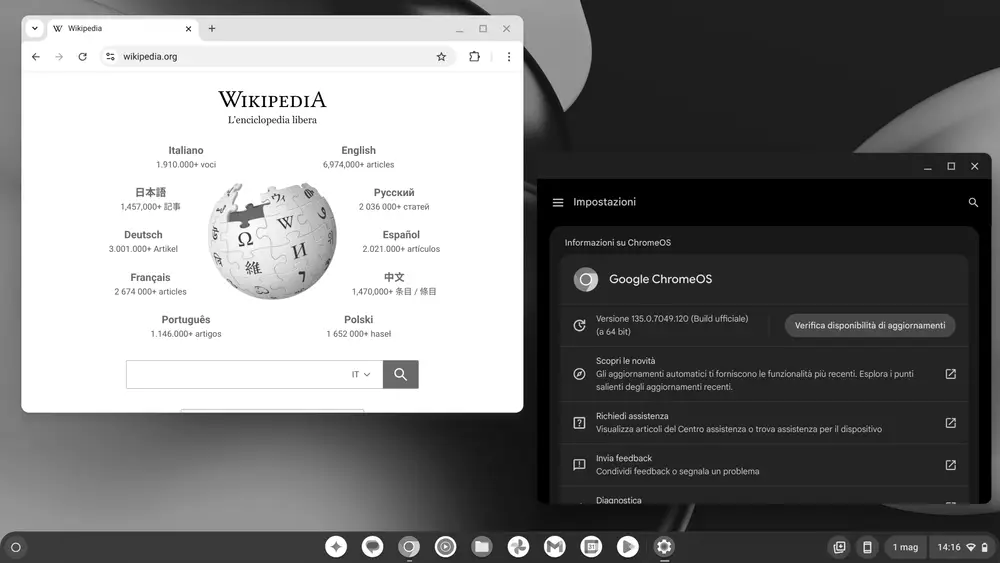
Here is the detail that catches so many people off guard. ChromeOS is not a standalone operating system floating in a vacuum: it is Linux. Its core is the same kernel that powers Ubuntu, Debian, and Fedora. To build and compile the system, Google started from Gentoo’s infrastructure, the distribution famous for compiling everything from source and for its Portage package system.
ChromeOS is the closed, proprietary version that Google ships on Chromebooks. There is also Chromium OS, its open-source base, which anyone can inspect, modify, and build. Same model Google applies to its browser: Chrome closed, Chromium open.
Security by design: the headline argument
What sets ChromeOS apart is an obsessive focus on security, and much of that strength comes straight from Linux. The system uses verified boot: on every startup it checks that the software has not been tampered with, and if it spots manipulation it can repair itself from a clean copy.
Every tab and every app runs in its own sandbox, an isolated box that keeps a malicious process from reaching the rest of the system. Add automatic background updates and user-data encryption, and you get one of the consumer platforms hardest to infect with traditional malware. It shares that security-first philosophy with projects like Qubes OS and Tails, though it gets there by very different routes.
Android and Crostini: the duality that changed everything
The browser could not do everything, and Google knew it. So ChromeOS added support for Android apps through the Google Play store, turning Chromebooks into devices that could run millions of mobile apps.
The decisive move for technical users arrived in 2018 with Crostini, introduced at Google I/O and available from ChromeOS 69. Crostini lets you run a full Linux environment, based on Debian, inside a virtual machine and container, with its own terminal, packages, and desktop applications. Suddenly a Chromebook could be a real development workstation, with code editors, compilers, and tools that used to live only on Arch or Pop!_OS.
ChromeOS Flex: new life for old PCs
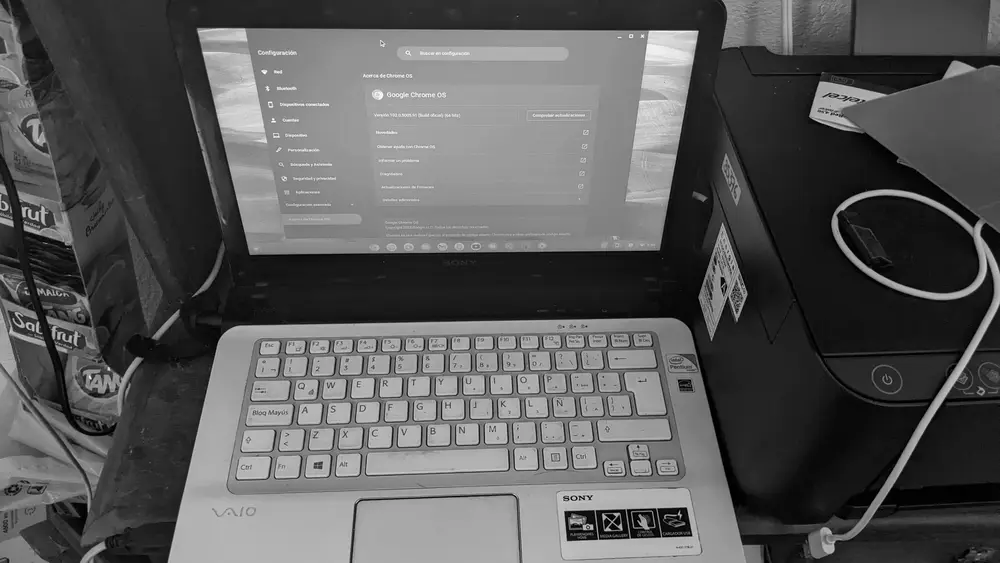
In 2022 Google released ChromeOS Flex, a version you can install on aging PCs and Macs. The idea is simple and brilliant: take a laptop that can no longer handle Windows 11, install Flex, and get back a light, fast, secure machine. Same spirit as lightweight distributions like Lubuntu or antiX, but with Google behind it and its update model. One catch: Flex does not include support for Android apps.
The future: merging with Android
The ChromeOS story is about to take a major turn. In September 2025, Sameer Samat, head of Google’s Android side, confirmed that ChromeOS and Android will merge, with results visible to users from 2026 onward. The project, known internally as “Aluminium OS,” rebuilds the ChromeOS experience on top of the Android codebase, largely to bring Gemini’s artificial intelligence to laptops.
Whatever shape it ends up taking, one thing holds: at the heart of every Chromebook, Linux will keep beating. Google’s Linux that, quite simply, never looked the part.