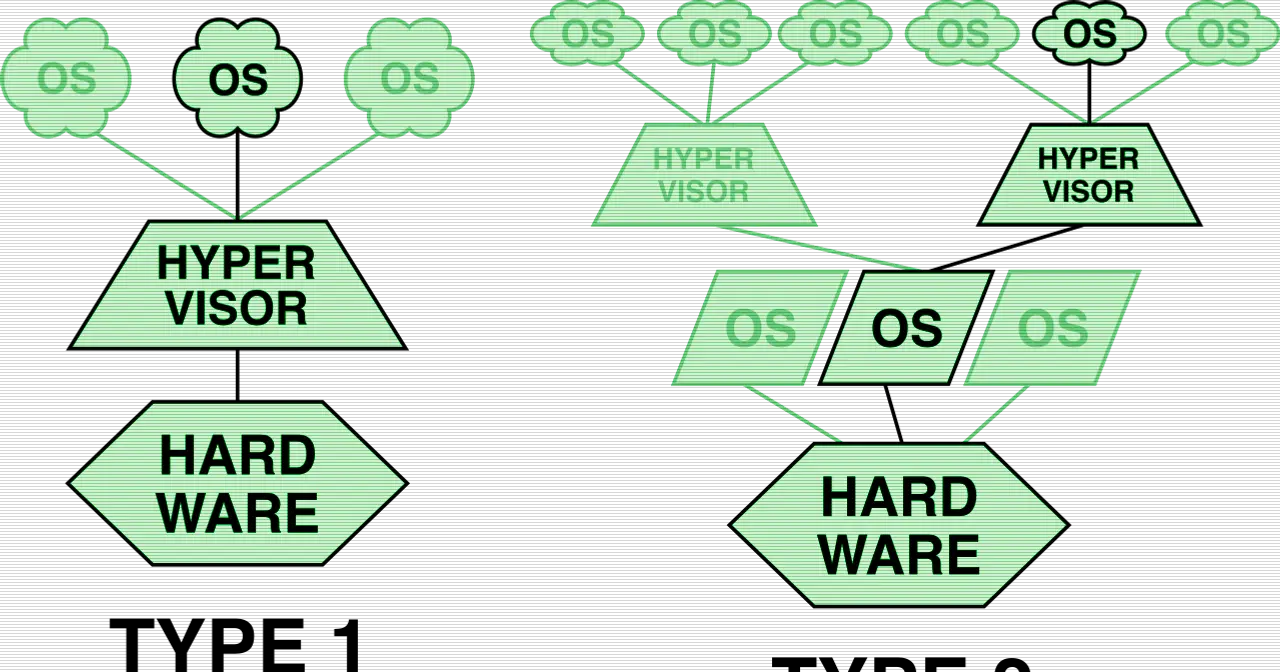
On June 9, 2026, Frank La Vigne published an article that clears up a common confusion: plenty of people who run virtual machines on Red Hat Enterprise Linux aren’t sure what each part of the stack actually does. They talk about KVM, QEMU and libvirt as if the names were interchangeable, when each one sits at a different level and solves a different problem. The piece pulls them apart and explains the role of each.
Three layers, three jobs
The foundation is KVM (Kernel-based Virtual Machine), built straight into the Linux kernel. It taps the processor’s virtualization extensions (Intel VT-x or AMD-V) so the kernel itself acts as a hypervisor and can create and run isolated virtual machines. Without KVM there’s no hardware acceleration: it’s the piece that turns your Linux box into a platform that can run VMs at a reasonable speed.
Above that sits QEMU, which works at a low level and handles the virtual hardware. It’s what presents disks, network cards, serial ports and CPUs to the virtual machine. When you decide how many cores or how much memory a VM gets, or add a network adapter, you’re configuring what QEMU emulates. KVM provides the acceleration; QEMU provides the hardware the VM thinks it’s talking to.
The third layer is libvirt, which sits on top of QEMU and simplifies the daily work. It offers a standard API and a set of daemons to manage virtual machines without wrestling with QEMU’s low-level options. This is the layer that normalizes management, so the tools you use every day talk to libvirt instead of invoking QEMU by hand. If you want a better look at the foundation everything rests on, there’s the KVM entry.
The tools you actually use
The article grounds the theory in three familiar RHEL utilities:
- virt-manager: the long-standing graphical app for creating and managing VMs from the desktop.
- Cockpit (Machines): the web interface, handy for defining and managing virtual machines from the browser without installing anything locally.
- virsh: the command-line utility, ideal for scripting and for controlling the VM lifecycle on headless servers.
All three rely on libvirt underneath, so understanding that middle layer helps you move between them without getting lost.
Who it’s for
The intended audience is clear: RHEL administrators who manage virtualization and want a tidy mental model of what each piece does. If you come from VMware or Hyper-V and land on Red Hat, splitting the stack into three layers saves you from a lot of wrong assumptions. The piece also links to Red Hat material, including a YouTube virtualization playlist and a couple of “Into the Terminal” episodes (104 and 30) covering local virtualization and VM management.
If you want to dig into the newest release of the management layer, take a look at our article on libvirt 12.4.0, which adds per-VM energy monitoring and improvements across several drivers.
Source
Original article by Frank La Vigne, “Demystifying Linux Virtualization: Understanding KVM, QEMU, and Libvirt in RHEL”, published June 9, 2026: https://www.franksworld.com/2026/06/09/demystifying-linux-virtualization-understanding-kvm-qemu-and-libvirt-in-rhel/. Via the Planet Virt Tools aggregator.