
Few things in computing feel as good as pulling a laptop out of a drawer where it sat for years and watching it boot in seconds. That 2 GB netbook Windows turned into a slideshow can become perfectly useful again for browsing, writing, watching videos or handling email. It all comes down to choosing well. Not every Linux distribution suits old hardware, and “lightweight” doesn’t always mean the same thing.
This guide walks through real options, with honest criteria, so you get it right the first time based on what you actually have.
Why Linux brings old machines back to life
The secret lies less in the kernel and more in the desktop environment. GNOME and KDE Plasma, the defaults of the most popular distros, are gorgeous but hungry: they assume modern machines with several gigabytes of free RAM and decent graphics acceleration. On an old box they crawl.
The alternative is a family of desktops and window managers built to sip resources: XFCE, LXQt, Openbox, IceWM or Moksha. They do the same job (windows, menus, a taskbar) using a fraction of the resources. The distributions below are built on exactly that foundation.
One detail that matters: even a heavier distro like Ubuntu can be tuned, but its standard edition now asks for a fair amount of RAM. If your machine is tight, you’re better off starting with something designed to be light from the ground up.
The lightest options of all
When we talk about genuinely old hardware, think 512 MB or 1 GB of RAM, three names come up again and again.
-
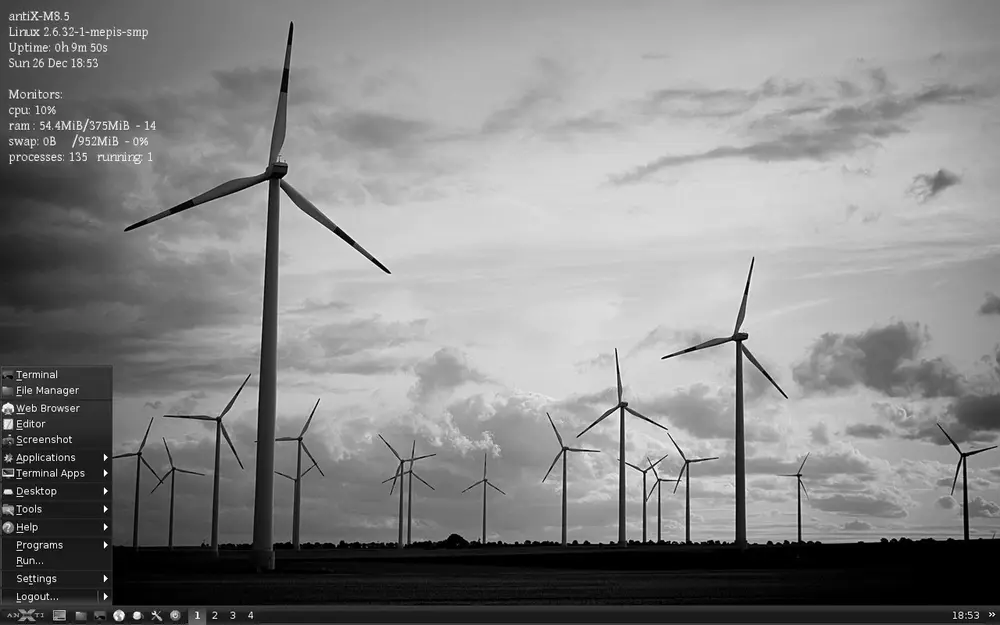
antiX is based on stable Debian and ships without systemd. Its latest release, antiX 26, is built on Debian 13 “Trixie” and offers several systemd-free init systems (runit by default). It runs on very little RAM, often under 256 MB for the basics, and uses window managers such as IceWM or Fluxbox. It’s my favourite pick for truly old machines that still need a solid, maintained base.
-
Puppy Linux is the tiny veteran. It boots entirely into RAM, which makes it blazing fast once loaded, and it runs on amounts of memory that seem almost unbelievable. Carry it on a USB stick and you can bring any old box back to life in minutes.
-
Tiny Core Linux takes minimalism to the extreme: its base system is just a few megabytes and is fully modular, so you add only what you need. It isn’t the friendliest for beginners, but as an exercise in efficiency it has no rival.
The balance between light and comfortable
Not every “old” computer is a twenty-year-old relic. Often we’re talking about laptops with 2 or 4 GB of RAM that have simply fallen behind. For those, the goal is to gain speed while keeping a modern experience.
-
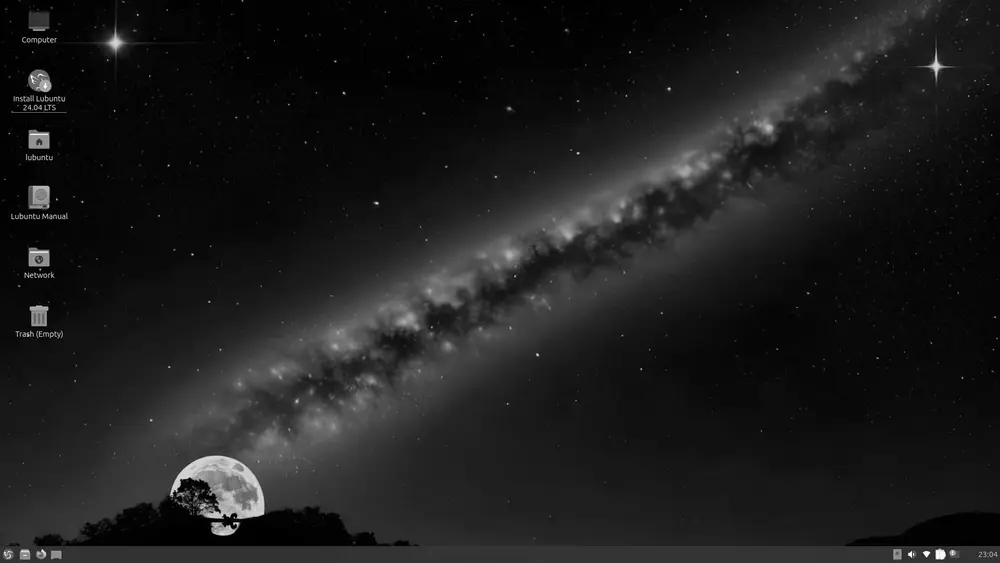
Lubuntu is an official Ubuntu flavour that uses the LXQt desktop. It runs comfortably on 1 GB of RAM (2 GB to feel roomy) and keeps full compatibility with the entire Ubuntu software ecosystem. An excellent entry point.
-
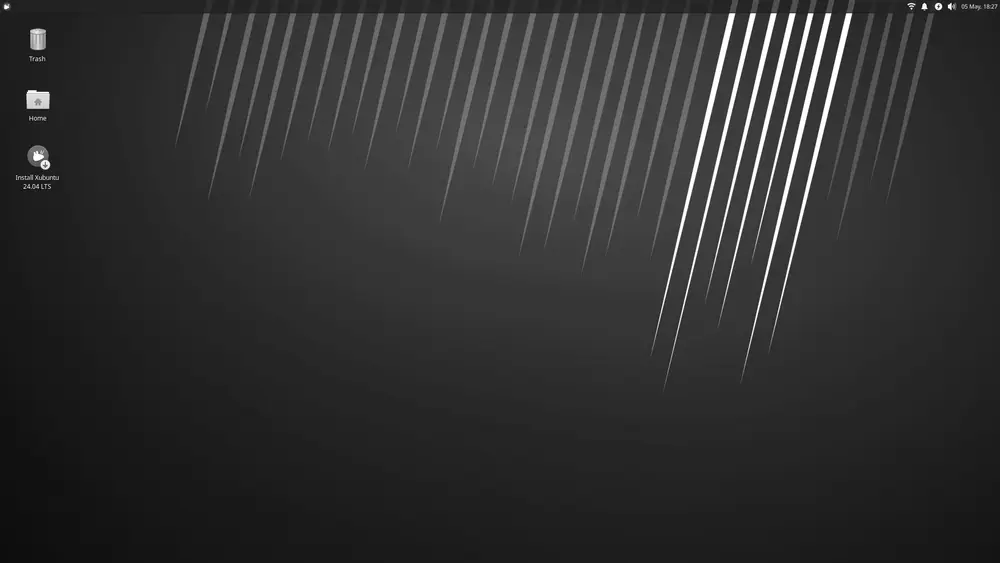
Xubuntu, also official, ships XFCE. It asks for a bit more, around 2 GB, but in return you get a traditional, stable and highly configurable desktop. For me it’s the sweet spot between lightness and everyday usability.
-
Bodhi Linux is based on Ubuntu LTS and features the Moksha desktop, an elegant, lightweight fork of Enlightenment. Even with the graphical interface loaded it sits at very little memory when idle, an uncommon pairing of beauty and efficiency.
If you come from the Debian world and prefer something in between, MX Linux (which shares roots with antiX) and Linux Mint in its XFCE edition are very solid, popular alternatives.
Practical tips that make the difference
The distro is only half the equation. These tweaks often matter as much as the system you pick, sometimes more:
- Fit an SSD if you can. It’s the most cost-effective upgrade by far. Swapping a mechanical drive for an SSD, even a small cheap one, completely transforms the feeling of speed, far more than any software tuning.
- Use a light browser. The browser is today’s biggest memory hog. Limiting tabs, running an ad blocker and picking lean options gives tight machines real breathing room.
- Set up swap. On low-RAM machines, a swap partition (or swap file) prevents freezes when memory runs out. It’s no substitute for real RAM, but it buys headroom.
- Don’t over-install. Every background service costs something. Keep the system clean and start only what you need.
How to choose without regrets
If I had to boil it down to one quick rule: look at your RAM. Below 1 GB, go straight for antiX or Puppy Linux. Between 1 and 2 GB, Lubuntu is the safe bet. With 2 to 4 GB, Xubuntu or Bodhi Linux will give you a comfortable desktop without strain.
And the best part: all of them are free and you can try them in “live” mode from a USB stick before installing anything. Burn a couple of images, boot from them, and let your own hardware decide. Reviving an old PC with Linux isn’t nostalgia. It’s the most sensible and greenest way to get the most out of what you already own.