
If you come from Windows or macOS, you are probably used to downloading an installer from some website, double-clicking it, and hoping it does not bring along any nasty surprises. Linux does things differently, and usually far better: software is installed from centralized repositories through a package manager. That component is the beating heart of every distribution, and understanding it will change the way you work.
What a Package Manager Actually Is
A package is a compressed archive that bundles a program, its configuration files, metadata, and crucially a list of dependencies: the libraries and other components the program needs in order to run. The package manager is the tool that installs, updates, and removes those packages while automatically sorting out those dependencies for you.
The magic lies in the repositories: official servers where a distribution stores thousands of packages that are already compiled, tested, and cryptographically signed. When you run an install command, your system queries those repositories, downloads what is required, and verifies the digital signatures to guarantee that nobody has tampered with the software along the way. In practice it is an app store that existed long before app stores were a thing.
The Debian Family: dpkg and apt
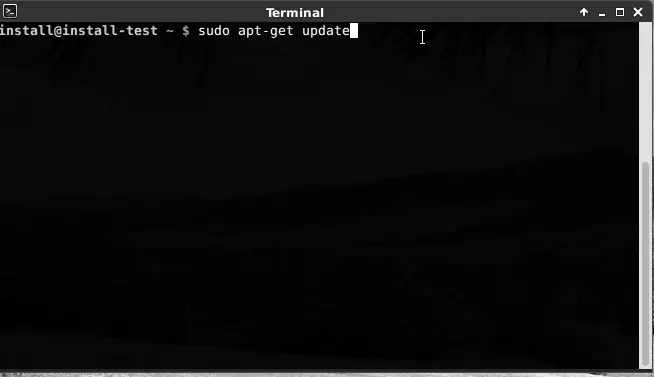
The .deb format and the low-level dpkg tool were born with Debian, one of the oldest and most respected distributions around. On its own, however, dpkg does not resolve dependencies, so apt (the Advanced Package Tool) was built on top of it to do exactly that while talking to the repositories.
Today apt is arguably the best-known package manager in the Linux world, largely thanks to Ubuntu and the vast family of distributions derived from it. Commands such as apt update to refresh the package list and apt install firefox to pull in software have become second nature to millions of users. Systems like Linux Mint and Pop!_OS inherit this exact tooling, which means your knowledge carries over cleanly between them.
The Red Hat World: rpm and dnf
In the other major family we find the .rpm format and, as the high-level manager, dnf. This is the default tool in Fedora and RHEL, as well as in their community-driven rebuilds AlmaLinux and Rocky Linux.
The lineage is worth clarifying, because it trips people up. For years the manager was yum; DNF was introduced in Fedora 18 (2013) and became the default in Fedora 22 (2015), replacing yum. The story did not stop there: since Fedora 41, released in October 2024, the default is DNF5, a C++ rewrite that is faster, carries fewer dependencies, and unifies everything under a libdnf5 library. The command is still dnf, and a yum symlink is kept for compatibility, so your muscle memory survives intact.
Arch and the pacman Philosophy
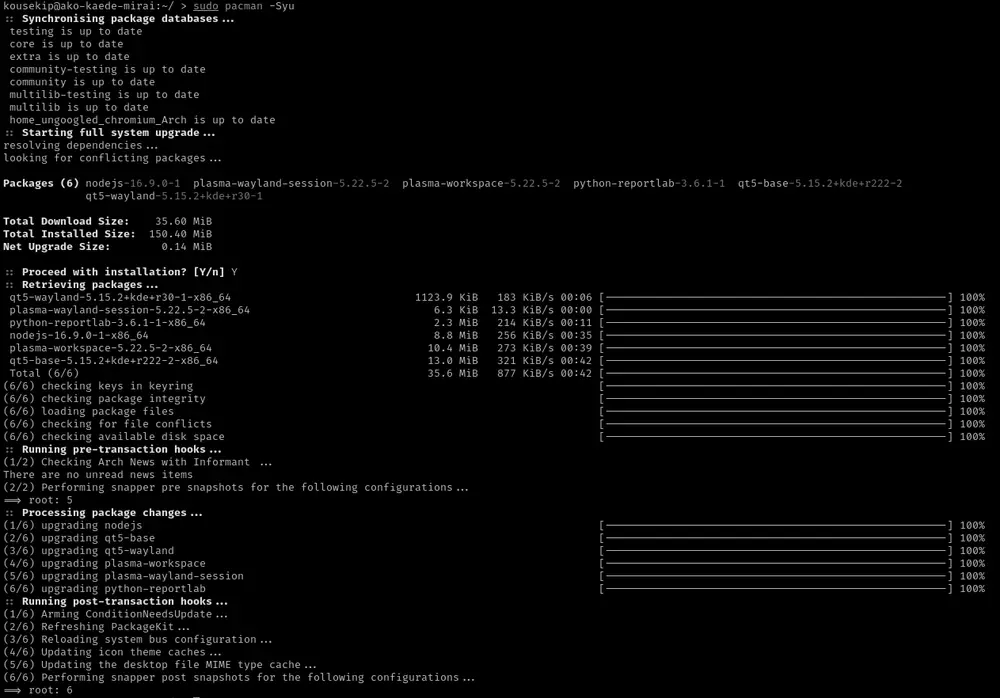
Arch Linux does things its own way with pacman. Since version 3.0.0, pacman has acted as the front-end to libalpm, the Arch Linux Package Management library. Its syntax is distinct and pleasingly terse: pacman -S package to install, and pacman -Syu to sync the repositories and upgrade the entire system in a single sweep.
Pacman is famous for embodying the rolling release model: instead of fixed versions every six months or every couple of years, you receive a continuous stream of updates. Distributions like Manjaro and EndeavourOS build on pacman while softening Arch’s learning curve for newcomers.
zypper, portage, apk and the Rest of the Ecosystem
The landscape does not end with those three names. openSUSE and SLES work with .rpm packages but through zypper, a powerful manager known for its pattern handling and for working hand in hand with system snapshots.
At the opposite end of the philosophy sits portage from Gentoo, whose emerge command compiles most software straight from source code, tuning it to your specific hardware in exchange for time and patience. And for lightweight setups and containers, apk rules the roost: the minimalist manager of Alpine Linux, prized for its speed and tiny footprint.
How to Choose and Why It Matters
There is no objectively “best” manager: each one reflects the philosophy of its distribution. apt bets on stability and a huge community; dnf strikes a balance between modern and enterprise; pacman delivers the immediacy of rolling releases; portage offers total control. The key insight is that they all share the same underlying principles: repositories, dependency resolution, and cryptographic signatures.
Once that model clicks, installing software on Linux stops being an act of faith and becomes something predictable, secure, and reproducible. And that, more than any single command, is the real superpower the system hands you.