
Every year, millions of perfectly working phones end up in a drawer or in the bin. They don’t break; the manufacturer just stops shipping updates and the device is left without security patches. That’s software-driven obsolescence, and the free software world has two answers to it: LineageOS and postmarketOS. Both set out to rescue your phone, but they take very different routes.
The problem: phones that age before their time
A mid-range smartphone from four or five years ago still has plenty of power for messaging, browsing, photos and calls. The bottleneck isn’t the hardware, it’s the support. When a brand drops a model, it stops shipping Android version upgrades and, more importantly, the monthly security patches. From that point on the phone still works, but it’s exposed.
This is where the community steps in. Rather than accept that a device “expires”, volunteer projects keep modern versions of the operating system alive for hardware that manufacturers already wrote off.
LineageOS: the heir to CyanogenMod
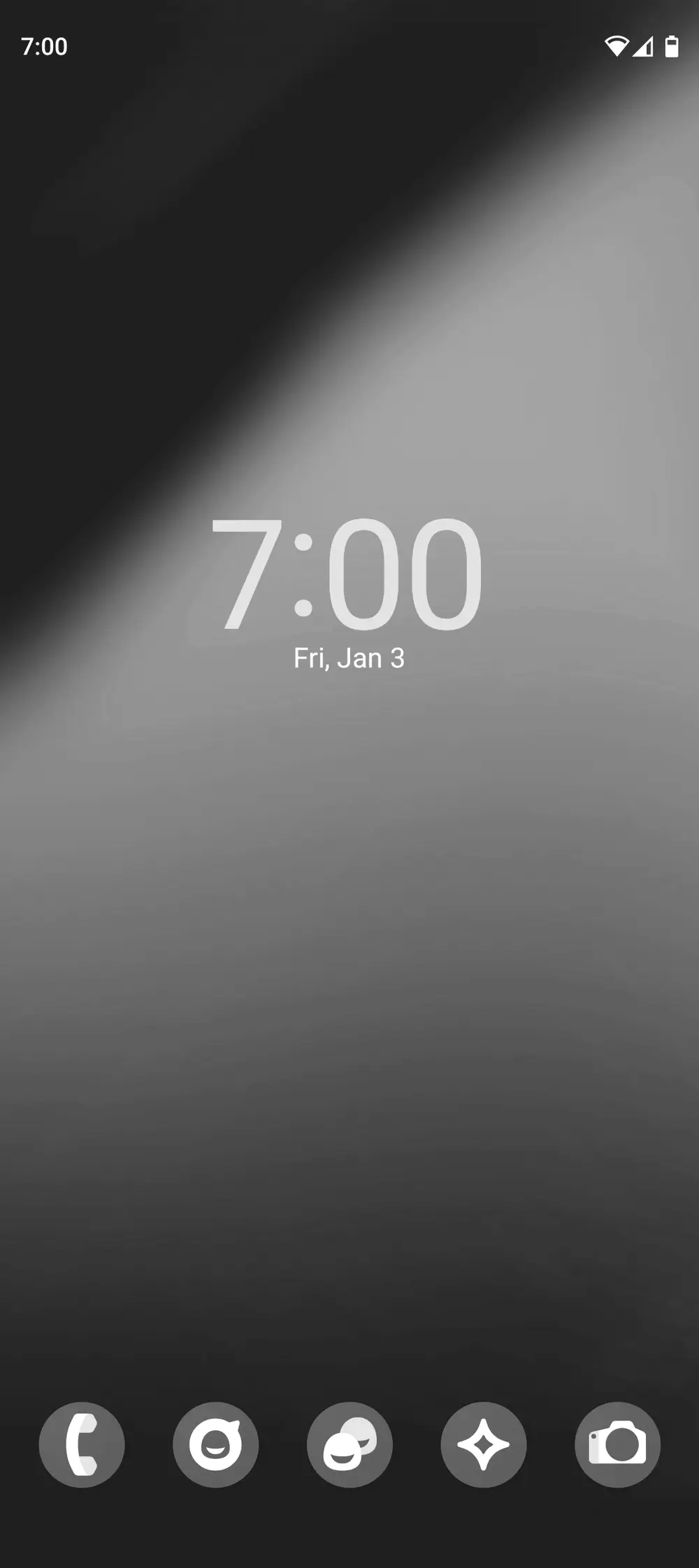
LineageOS is the best-known community Android ROM and the direct successor to CyanogenMod. The project split off from Cyanogen and launched officially on 24 December 2016; because Cyanogen Inc. kept the rights to the name, the community rebranded its fork as LineageOS.
What makes it appealing is how close it stays to stock Android: it’s still Android, so your everyday apps keep working, but without the manufacturer’s software layer or preinstalled bloatware. In return you get updates and security patches well beyond the official support window.
The current release, LineageOS 22.1, was announced on 31 December 2024 and is based on Android 15. The speed of the community is remarkable: the team added Android 15 support in just three months. From day one, more than 130 devices were eligible, from the veteran Google Pixel 2 to the Pixel 9 series, along with models from Xiaomi, Poco and Motorola and tablets such as the Galaxy Tab S7.
postmarketOS: real Linux in your pocket
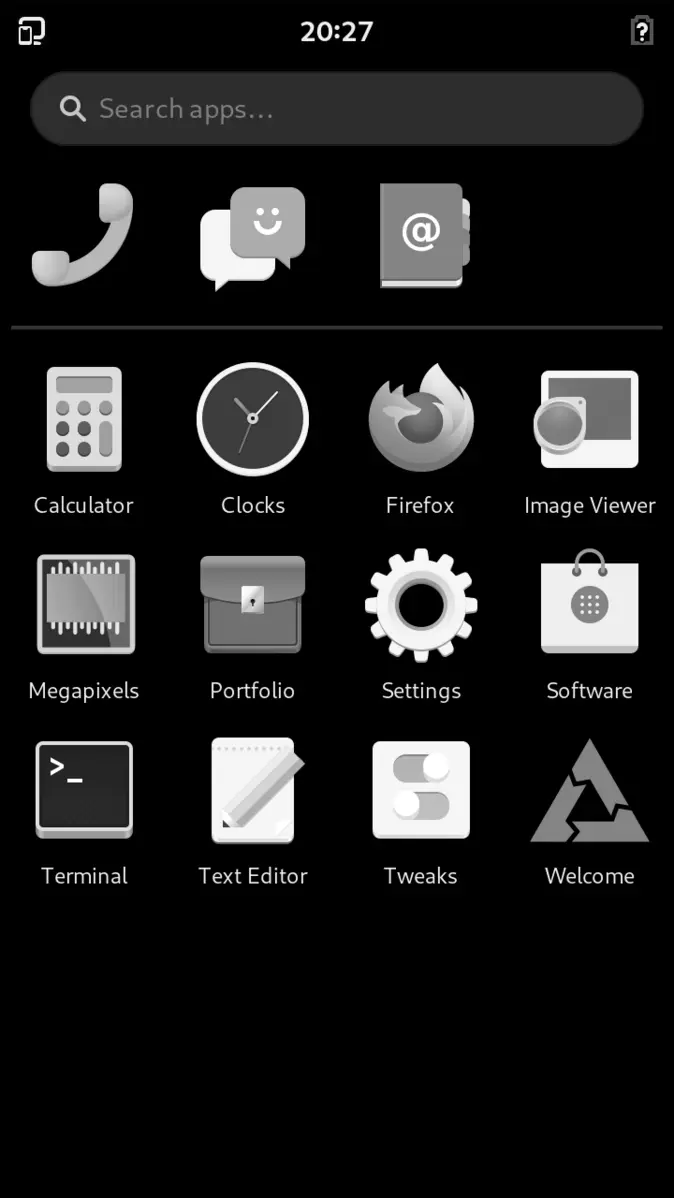
postmarketOS aims higher. It isn’t an Android ROM: it’s a real Linux distribution, based on Alpine Linux, that brings a full GNU/Linux system to your phone. The goal the project has set itself is a ten-year life cycle for smartphones, tackling obsolescence at its root.
The catalogue keeps growing: by early 2026 postmarketOS supported around 723 device models. Version 25.06, released on 22 June 2025, was a milestone because it adopted systemd as the default init system in place of OpenRC, which improves boot reliability and compatibility with the wider Linux world. By December 2025, postmarketOS 25.12 arrived, based on Alpine Linux 3.23 and shipping components from GNOME 49 and KDE Plasma Mobile 6.5.3.
By building on Alpine Linux, postmarketOS inherits a lean, minimalist philosophy, in the same spirit as distros designed to do a lot with few resources, like Void Linux or the austere roots of Debian.
Which one should I pick? Familiar Android or pure Linux
It depends on what you’re after. If you want to keep using your phone exactly as before —messaging, banking, camera— but on a clean, up-to-date system, LineageOS is the natural choice: it’s Android without the baggage. If you fancy tinkering with a conventional Linux in your pocket, installing packages like you would on a PC and betting on long-term durability, then postmarketOS is your playground, in the mindset of anyone who enjoys poking at Arch or Gentoo.
Both projects share one underlying idea: the person who owns the phone should decide how long that phone lives, not the manufacturer’s marketing department.
Before you start: what you should know
Installing either system means unlocking the bootloader and, often, voiding your device’s warranty. Make a full backup first, check on the official website that your exact model is supported, and read the specific guide for your phone, because the procedure varies from one device to another.
It isn’t all perfect. On LineageOS some features that rely on proprietary services may need extra steps, and on postmarketOS there are devices where certain components —camera, sensors— aren’t yet fully supported. Even so, for a phone that would otherwise gather dust in a drawer, giving it extra years of useful life with free software is hard to beat.
Sustainability: less electronic waste
Beyond the technical side, the environmental argument carries weight. Manufacturing a smartphone consumes huge amounts of energy and materials. Every phone we keep in use for a couple more years is e-waste that never gets created. Both LineageOS and postmarketOS turn an individual gesture —reinstalling the system on an old handset— into a small victory against throwaway consumption. Your five-year-old phone may still have plenty to offer.