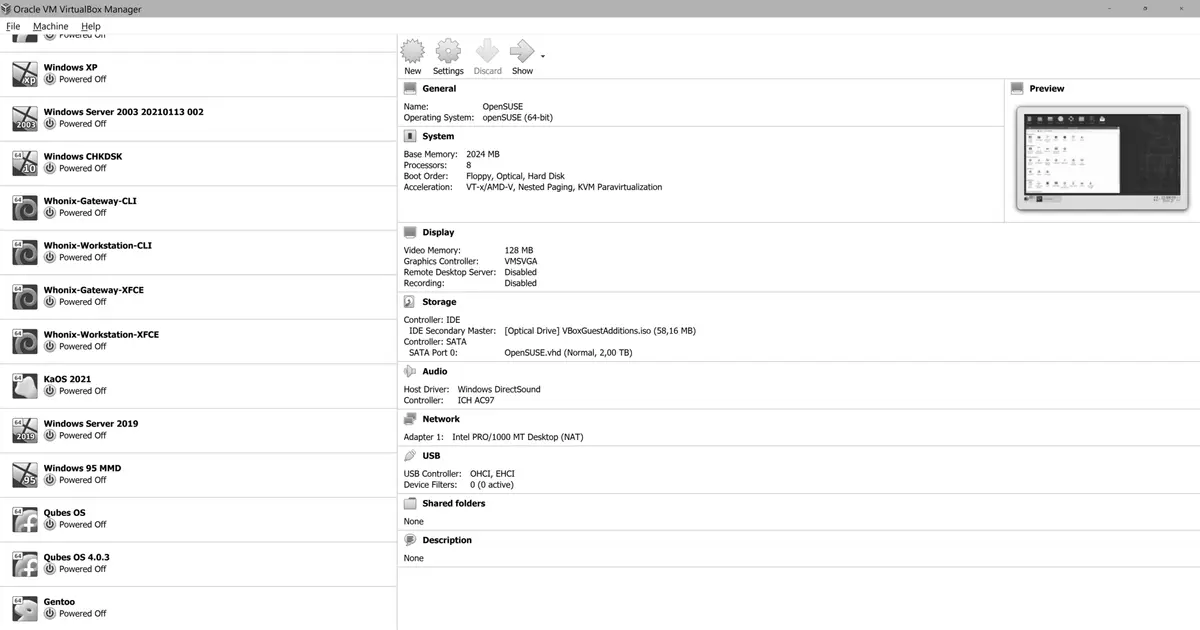
On June 30th, 2026 Oracle released VirtualBox 7.2.12, a maintenance release of the 7.2 branch. It brings no flashy features and does not try to: its job is to improve stability and fix regressions, which in a hypervisor is exactly what you want from a minor revision.
What it fixes
There are three main changes, and the first justifies the update on its own:
- Linux host: a kernel panic is fixed (github:gh-711, gh-712). A panic on the host is not a virtual machine failure: it takes the whole machine down, along with everything you had open.
- Windows guest: performance improvements and fixes to DX11, the graphics layer used by Windows virtual machines.
- Linux host and guest: several NASM build issues resolved (github:gh-520), mainly relevant to anyone building the modules from source.
Who should care
Anyone running VirtualBox on a Linux host — and especially if you have had odd whole-machine lockups with no clear explanation. That is precisely the profile of the fixed bug.
It helps to remember how VirtualBox works on Linux: it installs its own kernel modules. That means it lives alongside your distribution’s kernel, and kernel updates and VirtualBox updates occasionally step on each other. If you update the kernel and VirtualBox stops starting machines, it is almost always because the modules need rebuilding; and if the host panics, the culprit is usually right at that boundary.
How to upgrade
If you installed it from Oracle’s repository, go through your distribution’s package manager like any other package. If you used the .run installer or the standalone package from the website, download 7.2.12 from the official page and reinstall over the top. Either way, shut your virtual machines down before upgrading rather than leaving them in a saved state: swapping host modules with saved states from an earlier version is asking for trouble.
Remember too that the Extension Pack must match your VirtualBox version; if you update one, update the other.
The details are in the 7.2 branch changelog, and versions and support dates are on the VirtualBox page.