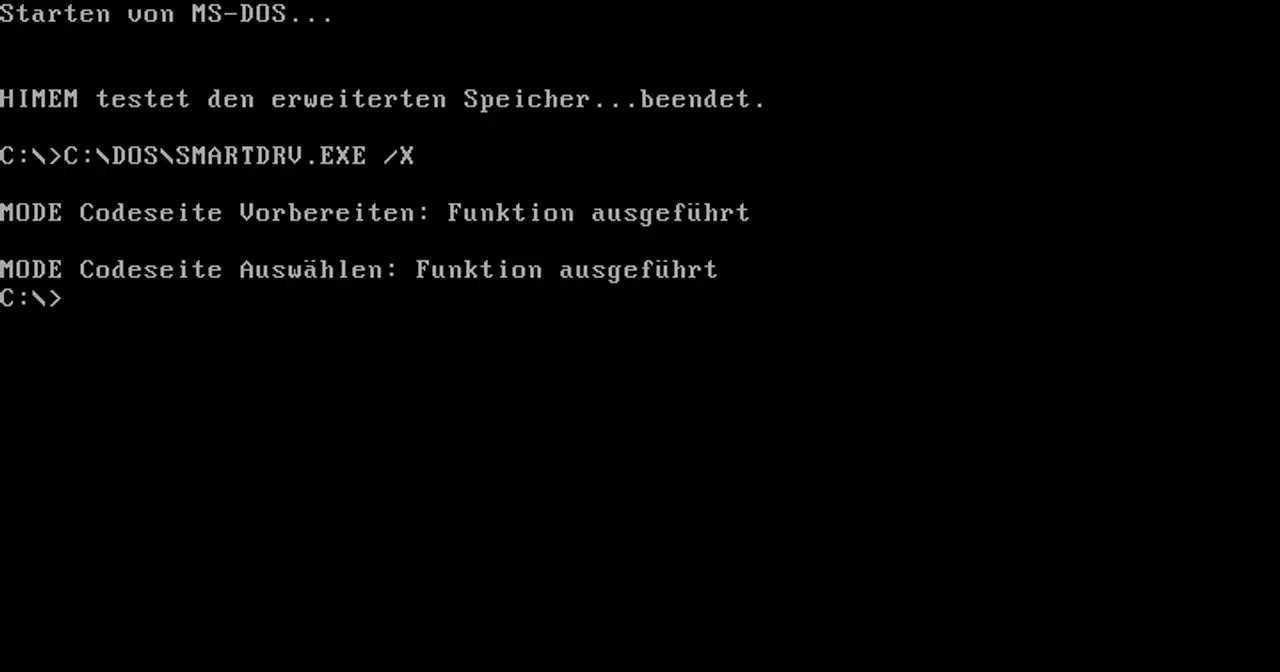
For more than a decade, typing into a black screen with a blinking C:\> prompt was simply what it meant to use a personal computer. Behind that cursor sat MS-DOS, the command-line operating system that Microsoft turned into the PC’s de facto standard and the foundation for much of home computing in the 1980s and early 1990s.
A quick and dirty beginning
The MS-DOS story doesn’t start at Microsoft. It starts at a small company called Seattle Computer Products (SCP). In early 1980 SCP was selling kits based on the new Intel 8086 processor, yet had no operating system to run on them. Programmer Tim Paterson got to work in April 1980 and, within a few months, built a system he half-jokingly named QDOS, the Quick and Dirty Operating System.
Because he wanted it to run existing software, Paterson borrowed heavily from CP/M, the era’s dominant operating system created by Digital Research. In fact, 43 of CP/M’s 45 system calls appeared in the same order in QDOS. The product was soon renamed with the more serious 86-DOS.
Microsoft steps in
This is where IBM enters the picture. Big Blue was secretly building its IBM PC and needed an operating system. Microsoft, which at the time mostly sold programming languages, promised to deliver one without having anything on hand. The fix was to buy Paterson’s work: Microsoft licensed 86-DOS in December 1980 for $25,000 and then bought all rights in July 1981 for a further $50,000, around $75,000 in total.
Microsoft rebranded the product as MS-DOS. When IBM launched its PC in August 1981, the system shipped as PC-DOS 1.0, the IBM-specific edition, while Microsoft kept the right to license MS-DOS to other clone makers. That seemingly minor decision turned out to be one of the most profitable moves in software history.
The versions that defined an era
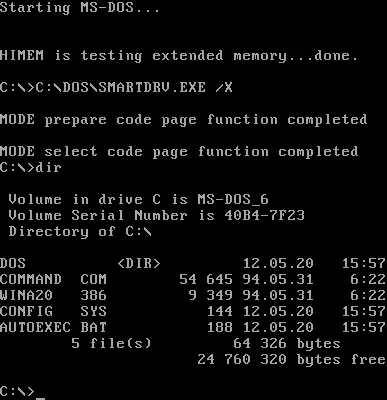
MS-DOS evolved in lockstep with PC hardware:
- MS-DOS 1.x (1981-1982): the initial base, a direct heir to 86-DOS, with floppy disk support and little more.
- MS-DOS 2.0 (1983): a major rewrite alongside the IBM PC XT. It added support for hard drives, subdirectories (folders) and 360 KB floppies.
- MS-DOS 3.x (1984-1987): arrived with the IBM PC AT and brought local area network support. Version 3.3 (1987) was among the most popular, supporting 1.44 MB floppies and multiple disk partitions.
- MS-DOS 5.0 (1991): a huge leap in usability, with a full-screen text editor, the
undeleteandunformatcommands, memory management viahimem.sysand the QBasic interpreter. - MS-DOS 6.22 (1994): the last standalone version Microsoft sold, bundling DriveSpace disk compression.
From Windows 95 onward, the system became integrated as DOS 7, now in the background behind the graphical interface of Windows.
Curiosities and controversies
MS-DOS carries a rich collection of anecdotes. The best known is the dispute over its “paternity”: for years people argued over how much 86-DOS owed to CP/M, to the point that CP/M’s creator Gary Kildall always maintained that Microsoft had exploited his work. The legal matter was settled decades later with no ruling against Microsoft.
Another famous controversy involved disk compression. Microsoft bundled DoubleSpace technology in MS-DOS 6.0 to compete with DR-DOS, and the company Stac Electronics sued for patent infringement. The result was MS-DOS 6.21, which removed compression, and then 6.22, which brought it back under the DriveSpace name.
One last curiosity: in 2014 Microsoft released the source code of the earliest MS-DOS versions through the Computer History Museum, so anyone can study the internals of that historic system. Its legacy lives on today in free projects such as FreeDOS, which maintains a compatible, open-source MS-DOS for running classic software.