
If you’re putting Ubuntu on a server or on a machine you want to leave running quietly for years, one word matters more than any other: LTS (Long Term Support). Get that choice right and you save yourself reinstalls, security scares and a few sleepless nights. This guide walks through how Ubuntu’s release calendar works, what each kind of release actually gives you, and how to decide based on your real use case.
How the release calendar works
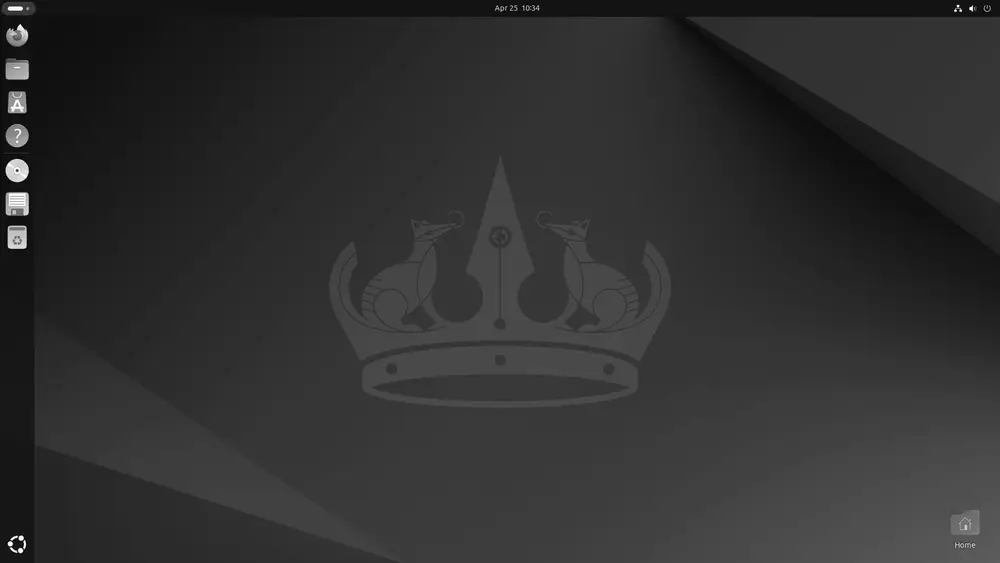
Ubuntu, Canonical’s distribution built on top of Debian, ships a new release every six months, in April and October. The version number isn’t random. It encodes the year and month of release, so 24.04 means April 2024 and 25.10 means October 2025. It’s one of the handiest conventions in the Linux world, since a single glance at the number tells you when that release was born.
Within that cadence, two kinds of release coexist:
- Interim releases (October ones and odd-year April ones): built for people who want the newest software. They get 9 months of support, so they push you to upgrade often.
- LTS releases: they ship every two years, in April of even years (20.04, 22.04, 24.04, 26.04…). They’re the backbone of Ubuntu for serious use.
What an LTS actually gives you
An LTS release gets 5 years of free standard support with security patches and maintenance. For example, Ubuntu 24.04 LTS “Noble Numbat” is maintained until 31 May 2029, and the recent 26.04 LTS “Resolute Raccoon”, released on 23 April 2026, runs through April 2031.
There’s more, though. With Ubuntu Pro, that support stretches to 10 years via ESM (Expanded Security Maintenance), which delivers security patches for the main repository and for the community Universe archive too. And here’s the best part: Ubuntu Pro is free for personal use on up to 5 machines (50 if you’re an official Ubuntu Community member). For a home user or a freelancer, that’s a full decade of security without paying a cent.
Which one should I pick?
- Servers and production: always LTS, no exceptions. When something has to stay up all year, stability beats novelty. The same holds for Ubuntu and for any serious enterprise distribution like RHEL, AlmaLinux or Rocky Linux.
- A desktop you want to keep for years: LTS. Install it, set it up, forget about it.
- You want the latest and don’t mind upgrading every few months: interim release. You’ll get newer kernels and desktop environments in exchange for upgrading more often.
Don’t forget the official flavors
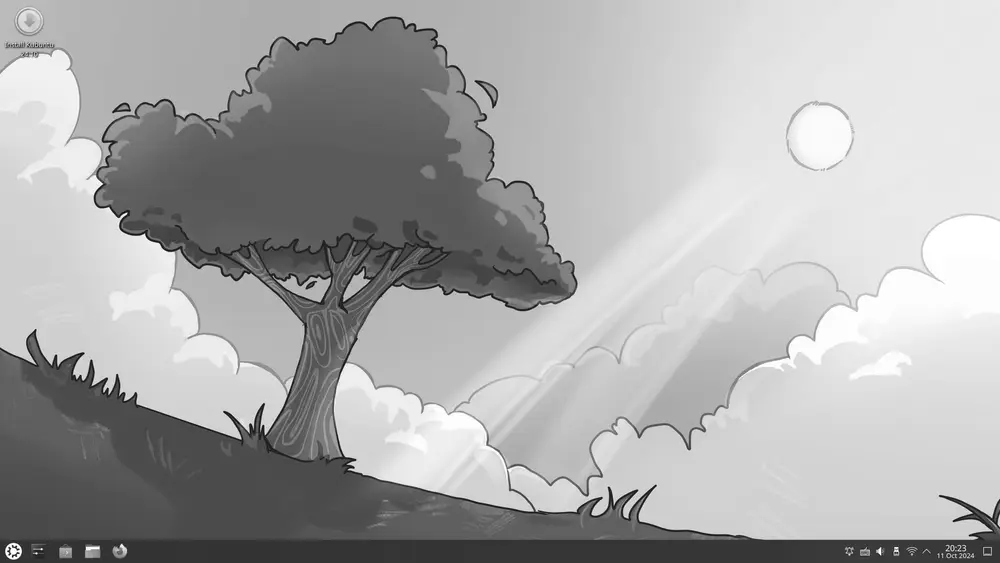
Ubuntu isn’t a single face. There are official flavors that share its base and calendar but swap the desktop to match your taste and hardware:
- Kubuntu uses the KDE Plasma desktop.
- Xubuntu goes with XFCE, light and fast.
- Lubuntu ships LXQt, ideal for older machines.
- Ubuntu MATE brings back the classic GNOME 2 desktop feel.
Each one has its own LTS versions, so you can run a lightweight desktop and still get five or ten years of support. If you want something even more minimal for containers or embedded systems, Alpine Linux is worth a look; and if you prefer a polished Ubuntu-based desktop experience, check out Pop!_OS or elementary OS.
You’ll find the full version history and end-of-support dates on the Ubuntu page, where we keep the data current from official sources.
Final tip
Don’t chase the newest version out of habit. In the server world, “boring and stable” is almost always what you want: fewer surprises, more years of calm and a clear upgrade path. Pick LTS, enable Ubuntu Pro if it suits you, and spend your energy on your project instead of chasing version numbers.